Rainbow Parentheses
Rainbow parentheses help keep track of your parentheses and brackets by coloring them in sets.
Turn them on by:
1 - Go to Tools
2 - Global Options…
3 - Code
4 - Display
5 - Check “Use rainbow parentheses”
Your parentheses and brackets will now look like: 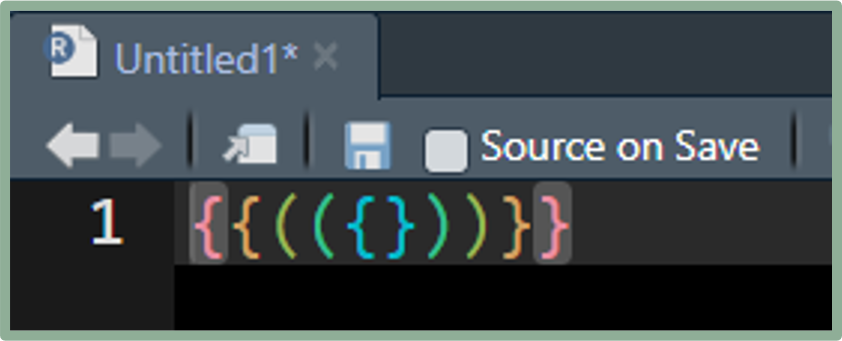
Pane Layout
Changing the pane layout can simplify your workflow.
The script and console both want to be tall, but they are stacked by default.
Putting them side-by-side can help line up your code and output.
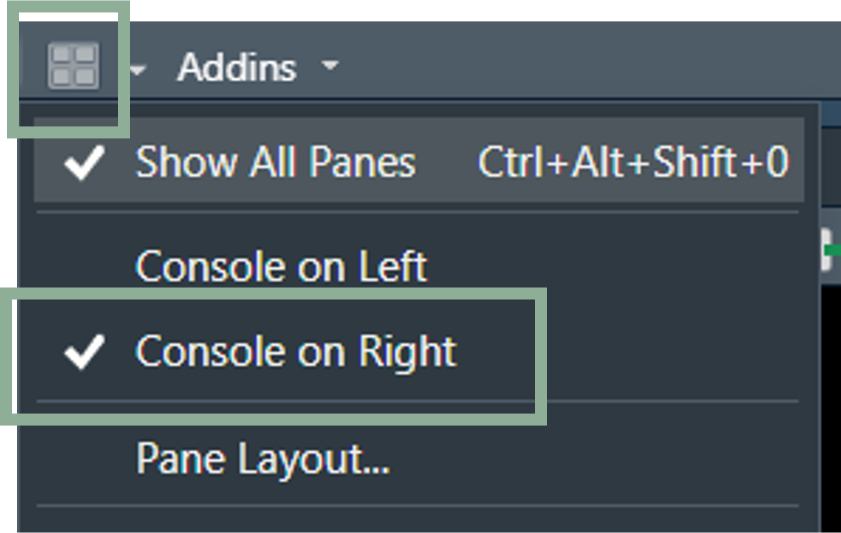
To change the layout, click the Workspace Pane button then click “Console on the Right”